Disclaimer: The exam schedule, admit card details, and instructions might change based on DSSSB announcements. You should always check the website dsssb.delhi.gov.in before the exam day to confirm the details.
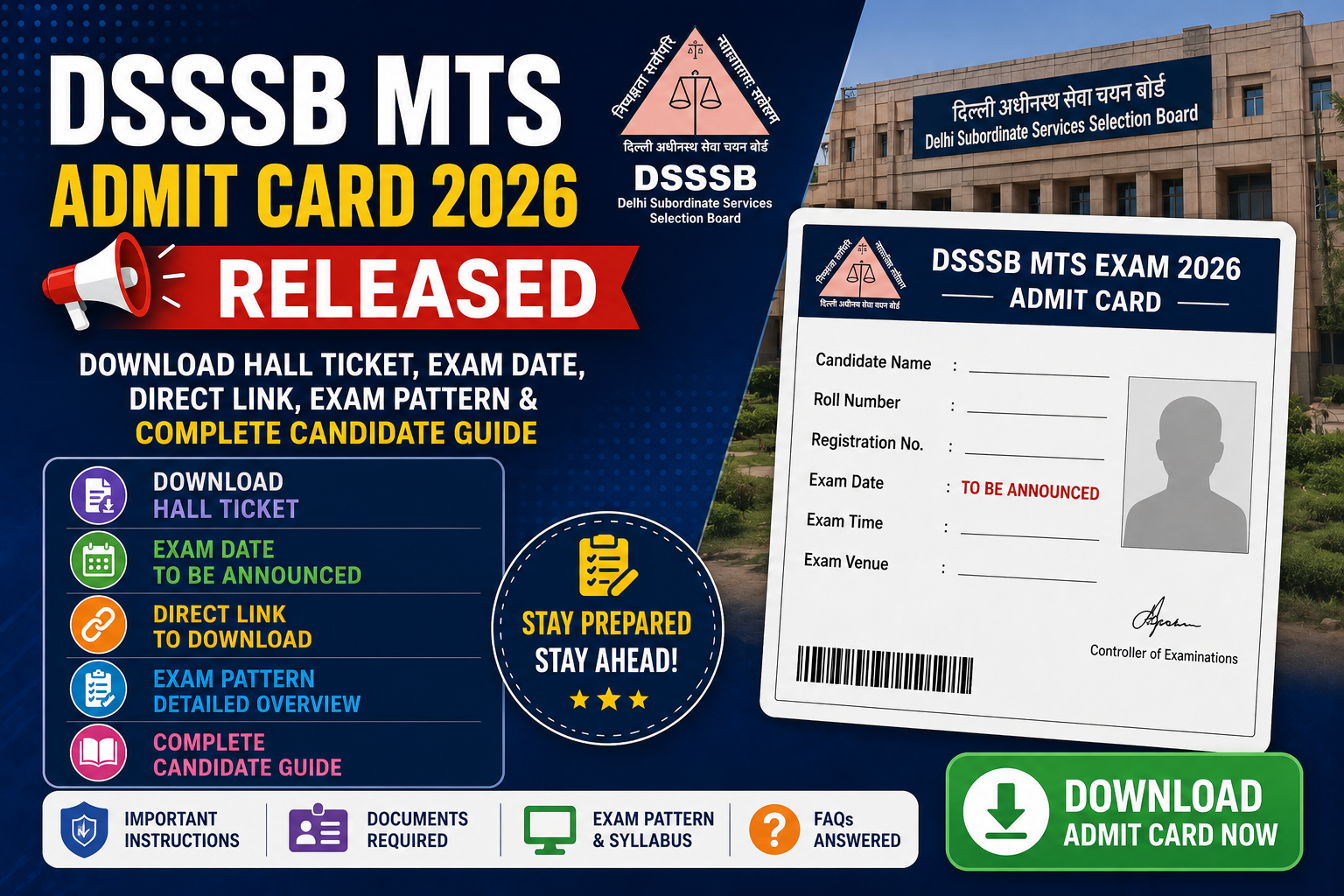
Delhi has a lot of job openings now. There are 2,231 multitasking staff vacancies in the Delhi government departments. If you are looking for a job, you should check out the DSSSB MTS 2026 admit card. You can find the DSSSB MTS 2026 admit card on the DSSSB website, which is dsssb.delhi.gov.in. The DSSSB MTS 2026 admit card is available now on the DSSSB website.
Applied under Advertisement No. 04/2024 or 01/2025?
Your hall ticket is ready. No printed admit card means no entry. Every exam, every time.
DSSSB MTS Admit Card 2026 – Overview
| Particulars | Details |
|---|---|
| Conducting Authority | Delhi Subordinate Services Selection Board (DSSSB) |
| Advertisement Numbers | 04/2024 & 01/2025 |
| Post Name | Multi-Tasking Staff (MTS) Peon, Chowkidar, Safaiwala, etc. |
| Total Vacancies | 2,231 |
| Admit Card Status | Released |
| Exam Mode | Computer-Based Test (CBT) — Online |
| Login Required | Application Number + Date of Birth / Password |
| Official Website | dsssb.delhi.gov.in |
| Job Location | Delhi Government Departments |
| Selection Process | CBT (Tier-1) → Skill Test (if applicable) → Document Verification |
DSSSB MTS 2026 Exam Pattern
| Particulars | Details |
|---|---|
| Exam Type | Computer-Based Test (CBT) Objective MCQ |
| Total Questions | 200 |
| Total Marks | 200 |
| Duration | 2 Hours |
| Sections | General Awareness, General Intelligence & Reasoning, Arithmetic, Hindi Language, English Language |
| Marks Per Correct Answer | 1 Mark |
| Negative Marking | 0.25 Mark Per Wrong Answer |
| Medium | Hindi and English (Bilingual) |
How to Download the DSSSB MTS Admit Card 2026?
You need to have your application number and date of birth ready before you start filling things out. This makes the process easier for you. When you begin, having these things ready will really help. You will not have to stop and look for your application number and date of birth.
Step 1: Open dsssb.delhi.gov.in on your computer’s web browser.
Step 2: Look for a section on the page that says “Admit Card.” You can also search for “Download Hall Ticket.”
Step 3: Click on the DSSSB MTS Admit Card 2026 link. You can find it under Advertisement No. 04/2024 or 01/2025.
Step 4: Now you have to put in your application number and the day you were born, or you can use your password instead. You also need to fill out the captcha thing.
Step 5: Click Submit. The hall ticket loads on screen.
Step 6: Check all details before downloading.
Step 7: Download PDF. Save to Drive, email it to yourself, or save it on your phone.
Step 8: Print two copies. Bring one, keep one as backup.
Forgot Application Number? Check your DSSSB registration confirmation email or SMS. Or use the recovery option on the login page via registered mobile number.
What to Verify on the Hall Ticket?
Check: name matches government ID, application number correct, exam date and time visible, reporting time clear, center address complete (Google it today), photograph clear, signature present, post name correct.
If anything is wrong, contact DSSSB through dsssb.delhi.gov.in immediately. Gate staff at CBT centers cannot correct errors on exam day.
Documents Required on Exam Day
| Document | Details |
|---|---|
| DSSSB MTS Admit Card 2026 | Printed hard copy mandatory; digital / phone copy not accepted |
| Government Photo ID | Aadhaar / PAN Card / Voter ID / Passport / Driving License (original only) |
| Passport-Size Photographs | One or two recent photos if exam centre requires them |
Exam Day Timeline – What to Do When
| Time | Action |
|---|---|
| Night Before | Print admit card, pack ID proof, photographs in a bag. |
| Morning of Exam | Leave 90 minutes before reporting time |
| At Exam Centre | Reach 30–45 minutes before reporting time |
| Before Entering | Confirm roll number and seat number from display board |
| Inside Hall | Read on-screen instructions before the timer starts |
Items Not Allowed Inside the Exam Hall
Mobile phones, smartwatches, Bluetooth earphones, notes, and calculators are not allowed. So it is an idea to leave your mobile phone at home.
A 0.25 negative marking applies. Blind guessing is a losing strategy. Attempt what you know and skip the rest.
Common Login Problems and Solutions
| Problem | Solution |
|---|---|
| Forgot Application Number | Check registration email or SMS or use portal recovery option |
| Wrong Password / Date of Birth | The verify format portal usually needs DD/MM/YYYY for DOB |
| Website Not Loading | Try at off-peak hours, clear browser cache, and try different browser |
| Admit Card PDF Not Downloading | Use desktop browser; avoid mobile for PDF downloads on govt portals |
| Captcha Not Loading | Refresh the page; disable ad-blocker extensions |
Common Mistakes to Avoid
Downloading files on the night before, when server traffic usually peaks, is not ideal.
Assuming the center is nearby. CBT centers are allocated and could be anywhere in the city. Check the address today.
Carrying a phone into the center. No guaranteed storage. Leave it at home.
Arriving at exactly the reporting time. Entry queues run slow. “Reporting time” means already inside, not still walking.
Example Candidate Scenario
Fictional – for educational purposes only.
Vikas Sharma, 25, from East Delhi, downloaded his admit card the day it released. Centre allocated: Dwarka. He had never been there.
He pulled up Maps, Metro Plus Auto, 70 minutes. Did a trial run on Saturday to confirm the exact gate.
Night before: admit card printed, Aadhaar original, and two photographs packed. The phone was left at home the next morning.
He reached the gate at 8:10 AM for a 9:00 AM exam. Entry cleared by 8:50. Ten minutes to read on-screen instructions before the CBT started.
What he got right: he treated the admit card download as urgent, not routine.
FAQs
Q1. When released?
Check dsssb.delhi.gov.in for Advt. No. 04/2024 and 01/2025.
Q2. Login details?
Application Number + Date of Birth or Password + CAPTCHA.
Q3. Forgot Application Number?
Check registration email/SMS or use portal recovery.
Q4. Printed copy mandatory?
Yes. Digital copy not accepted.
Q5. Accepted IDs?
Aadhaar, PAN, Voter ID, Passport, and Driving License (original only).
Q6. Error on admit card?
Contact DSSSB at dsssb.delhi.gov.in immediately.
Q7. Change exam center?
No. DSSSB-allocated centers are fixed.
Q8. How early to report?
30–45 minutes before reporting time minimum.
Helpful Resources
Notification: You can check it out on dsssb.delhi.gov.in under Advertisements, specifically for 04/2024 and 01/2025. Make sure to read the notification for exam instructions, syllabus, and updates related to your post.
Download. Verify. Locate the center. Pack tonight.
Looking for the latest government job notifications, admit cards, results, and recruitment updates? Visit BenefitsIndia.com regularly for detailed guides and timely updates.
About The Author