
Good news for everyone who applied the Uttar Pradesh Education Service Selection Commission (UPESSC) finally put out the hall tickets for the Trained Graduate Teacher (TGT) exams. If you have been refreshing the page since the forms closed, you can stop now because the download links are up and running on their main site.
The test dates are right around the corner. Honestly, do not leave this until the night before the exam. Website servers usually slow down or completely crash when everyone scrambles to log in at the same time. Getting your printout today gives you plenty of time to figure out where your center is and organize your travel.
Below, I’ve put together a quick guide on how to get your card, what dates to remember, and what you need to carry with you.
Exam Dates and Deadlines to Remember
This recruitment drive is happening to fill up a bunch of teaching spots across government-aided schools in UP. Since it has been a long process, here is a quick refresher table showing the timeline of how we got here and when the actual papers are happening.
UP TGT 2026 Important Dates
Online Apply Start Date |
09 June 2022 |
Online Apply Last Date |
10 July 2022 |
Last Date Pay Exam Fee |
16 July 2022 |
Exam City Details |
23 May 2026 |
Exam Date |
03-04 June 2026 |
Admit Card |
Available Now |
Result Date |
Will Be Updated Here Soon |
Steps to Get Your Admit Card
The download link is live on the portal right now. To grab yours, you just need the login details you got during your initial registration. Follow these quick steps:
First, pull up your web browser and go to the official UPESSC website. Once the homepage loads, scroll down a bit or look at the latest alerts for a link that says “TGT Admit Card 2026” and click on it.
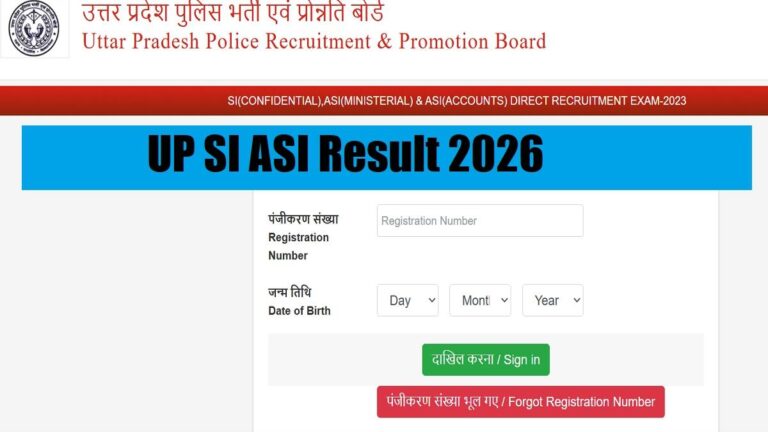
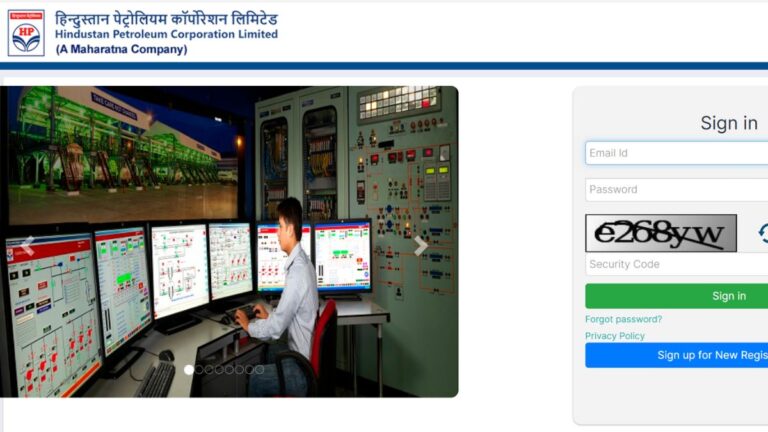
This will take you to a login dashboard. Type in your Registration Number and select your Date of Birth from the dropdowns. After that, look at the messy captcha image on the screen and type those letters into the box. Hit the “Submit” or “Login” button. Your hall ticket will show up on your screen. Save it as a PDF and take a clean printout on a regular A4 sheet.
Double-Check These Details Immediately
As soon as you print the sheet, take a minute to read through it carefully. Typos happen, and a mistake on this card can cause major headaches at the exam center gate. Look out for these specific details:
-
Your Info: Check the spelling of your name, your father’s name, and make sure your category (General, OBC, SC, ST, EWS) is correct.
-
Roll Number & Photos: Ensure your roll number is clear and that your printed photo and signature aren’t blurry.
-
Your Subject: Verify that the exam paper listed matches the exact subject you applied to teach.
-
The Venue: Note down the exact school or college address where you need to go, along with the gate closing time and reporting hours.
Finding a Mistake?
If your name is misspelled or the photo is wrong, contact the UPESSC helpdesk immediately. Showing up with wrong info can get you barred from taking the test. Keep a copy of your original form handy when you talk to them to prove you entered the right info back when you applied.
Things You Must Carry on Exam Day
The security people at the centers don’t play around, so make sure you pack your bag the night before. Here is what you cannot forget:
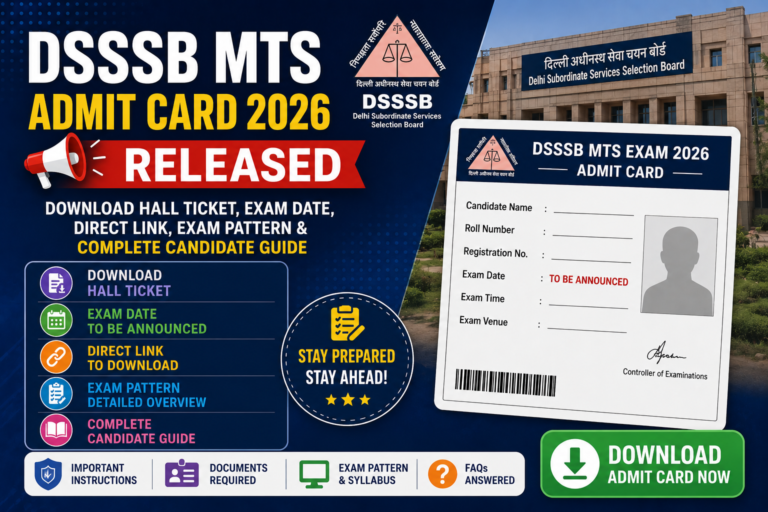
You absolutely must have the physical paper printout of your admit card; showing them a PDF on your phone won’t work. Along with that, carry a real, original government ID like your Aadhaar Card, PAN Card, Driving License, or Passport.
It is also a smart move to bring two extra passport-size photos that match the one on your form, just in case they need them for the attendance sheet. Lastly, grab a couple of good old-fashioned blue or black ballpoint pens. Do not use gel pens because they smudge easily on OMR sheets and can ruin your scoring.
Leave These Items at Home
Don’t bring phones, smartwatches, calculators, or Bluetooth earbuds into the center. Also, leave your textbooks, notebooks, study guides, and heavy bags outside, as there might not be a safe place to store them.
Handling Tech Glitches and Final Tips
Website Not Loading?
With thousands of candidates checking the portal at the same time, the server will probably run slow or throw errors. If it crashes, don’t keep hammering the refresh button. Close the tab, clear your internet history, or try a different browser. Usually, logging in late at night or early in the morning works best because the traffic drops off completely.
Lost Your Registration Number?
If you can’t find your ID number, open your email app and search for keywords like “UP TGT” or “UPESSC.” Look for the confirmation mail from back when you paid your fees in 2022. You can also check your old text messages or search your computer files for the original application PDF download.
Before You Leave the House
Look up the test venue on Google Maps a day early so you know exactly how long the drive takes. Plan to arrive at least an hour before the reporting time because once those center gates lock, they will not open them for anyone, no matter what.
Looking for More Job News?
Keeping up with government job alerts, changing exam patterns, and new rules can take a lot of work. If you want to stay updated on other regional teaching vacancies, syllabus breakdowns, or state allowances without spending hours browsing the web, using a reliable info hub helps a lot.
Want more updates? For clear guides on recent hiring alerts, upcoming exam answers, and helpful government schemes, take a look at the related articles over on Benefits India. It’s a great way to stay informed and keep your preparation on track.
About The Author